You've probably heard that prompt engineering is dead. The argument is that models are now powerful enough that you can just say what you want and get a good result and I agree.
It wasn't always this way. Not long ago, getting a model to reliably follow an instruction often meant shouting at it. Prompts were full of all-caps rules like MUST, ALWAYS, and NEVER, because older models had a habit of ignoring instructions that weren't emphasized. Today, Anthropic's own prompting guide tells you to undo all that. On newer models, the shouting backfires. They take it so literally that they overdo what you emphasized.
Then there was role-play.
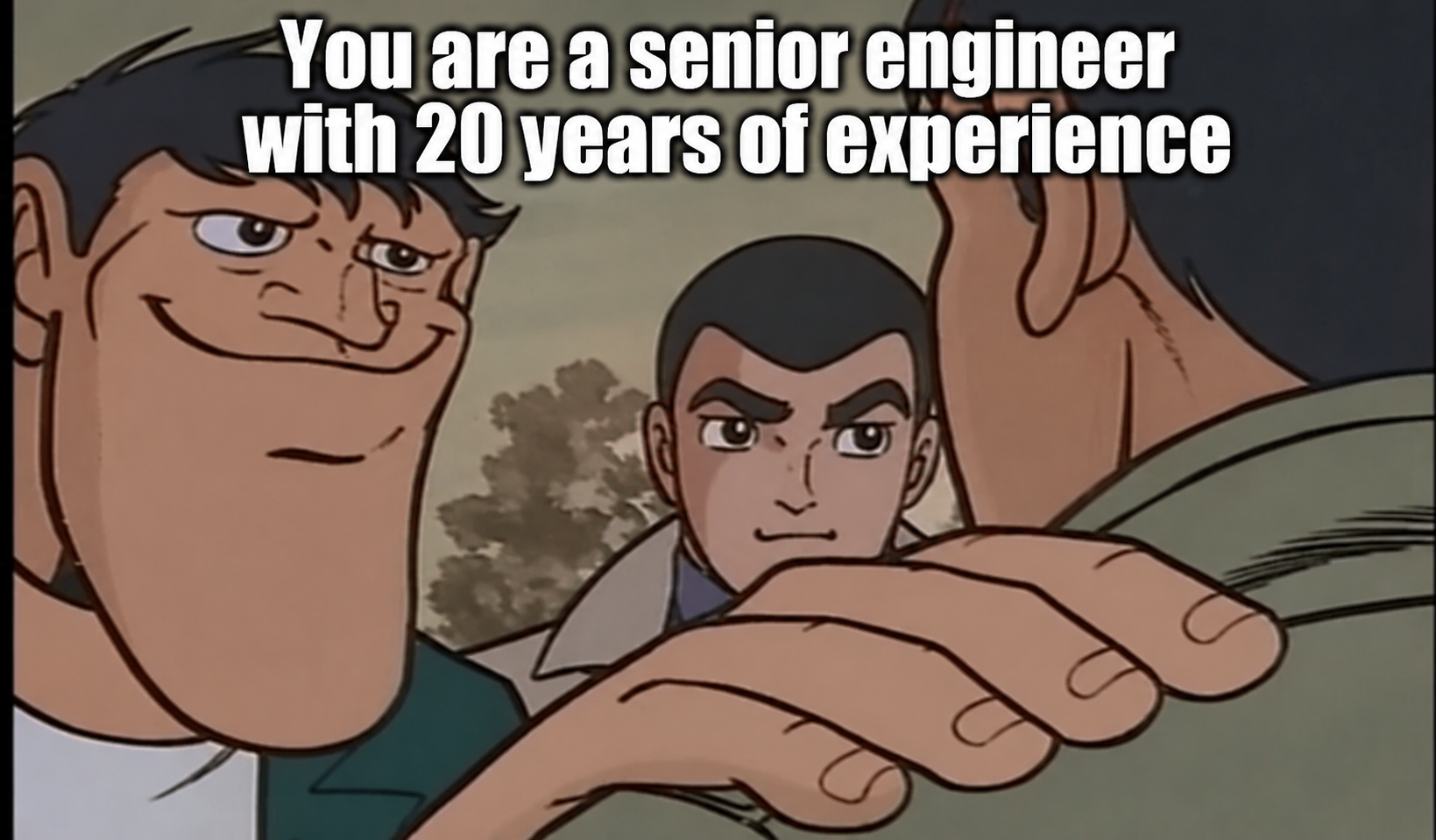
People actually tested the pep talks. A 2023 study from Microsoft and collaborators found that adding lines like "This is very important to my career" to the end of a prompt measurably improved results on the models of the time. A year later, a study of 162 personas across four model families found that telling a model who it is generally didn't make it any more accurate, and the effect of any particular persona was largely random.
Recently, I had a really eye-opening moment. I was building Drift, my arc replacement for Windows, and I got an output from Claude that was far more refined than anything I usually get.
Building Drift
Arc was sunset recently, and its replacement, Dia, isn't what I want in a browser. It doesn't have Peek, it doesn't have folders, and it's built around the idea that we'll be using AI to browse the web most of the time. That isn't true for me. I just wanted my old Arc, built for Windows.
So I am building Drift, using native Windows technology: WinUI 3 and WebView2.
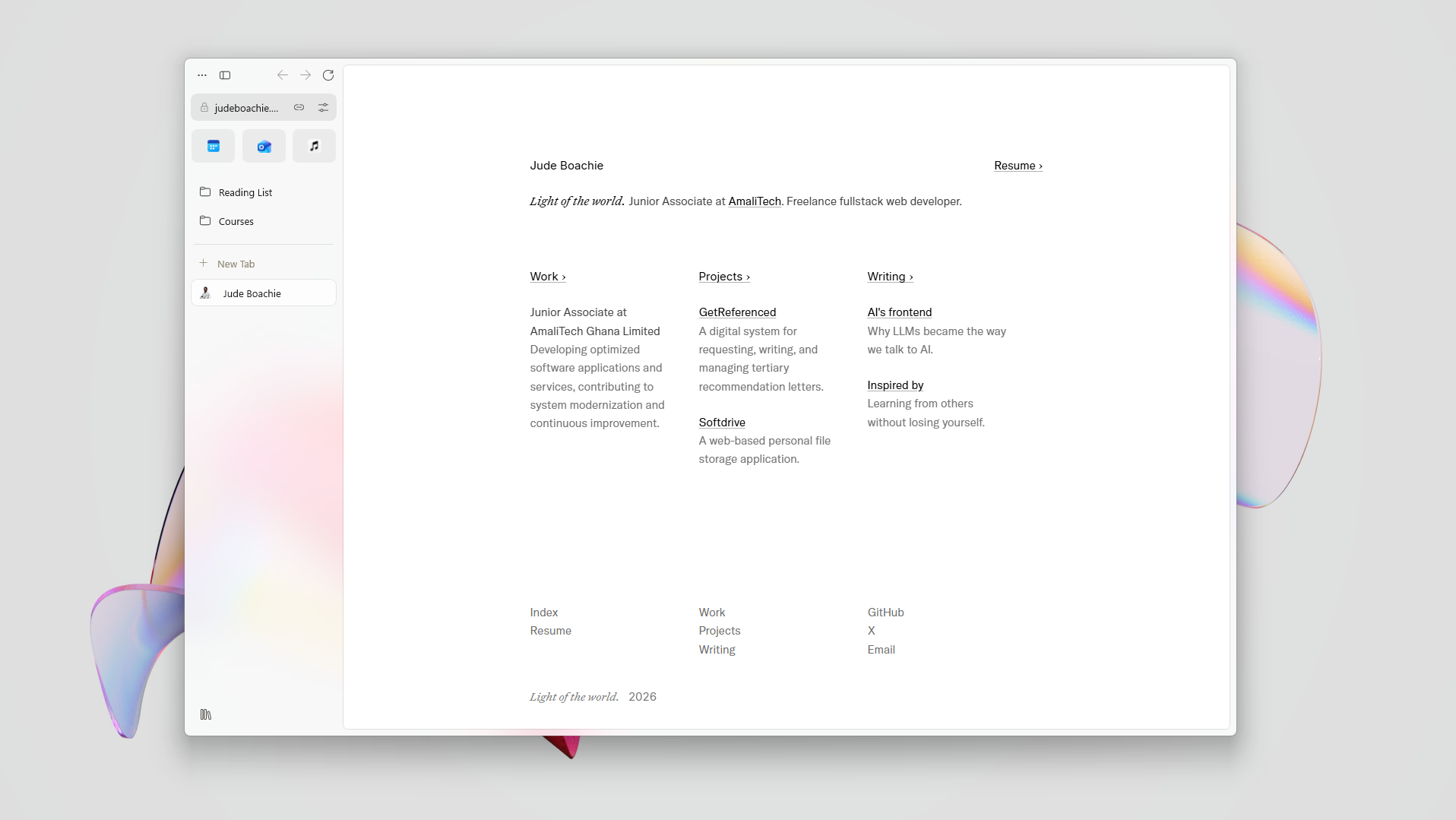
I don't write C#, so every line of Drift is written by Claude Code. Just by prompting, I got to roughly 70% feature parity with Arc. (As with all software, there are bugs and rough edges. Use at your own risk).
Exploiting the AI model's input modalities
Peek is an Arc browser feature that opens a link in a floating card over the page you're on, so you can glance at it and dismiss it, or expand it into a full tab or split view, without losing your place. The first version of Peek Claude built just rose out of the middle of the window, scaled up a little on a fixed curve with no sense of where it came from. Since I wasn't going to read the code, I described everything by feel. It worked, but it felt like slop.
The real turning point was exploiting Claude's image comprehension capability. It recorded Drift at 60 frames per second with ffmpeg to see what was actually happening in each frame. I also had it record Zen browser so it could use that as a reference instead of guessing. The result was delightful:
Contact Sheets
A contact sheet is a single image showing several frames of a video side by side in a grid, each labelled with its time. You can see the whole animation at a glance, frame by frame, without playing the video. The term comes from photography, where prints of a whole roll of film were laid on one page. Here's a contact sheet of Zen browser's library opening animation:
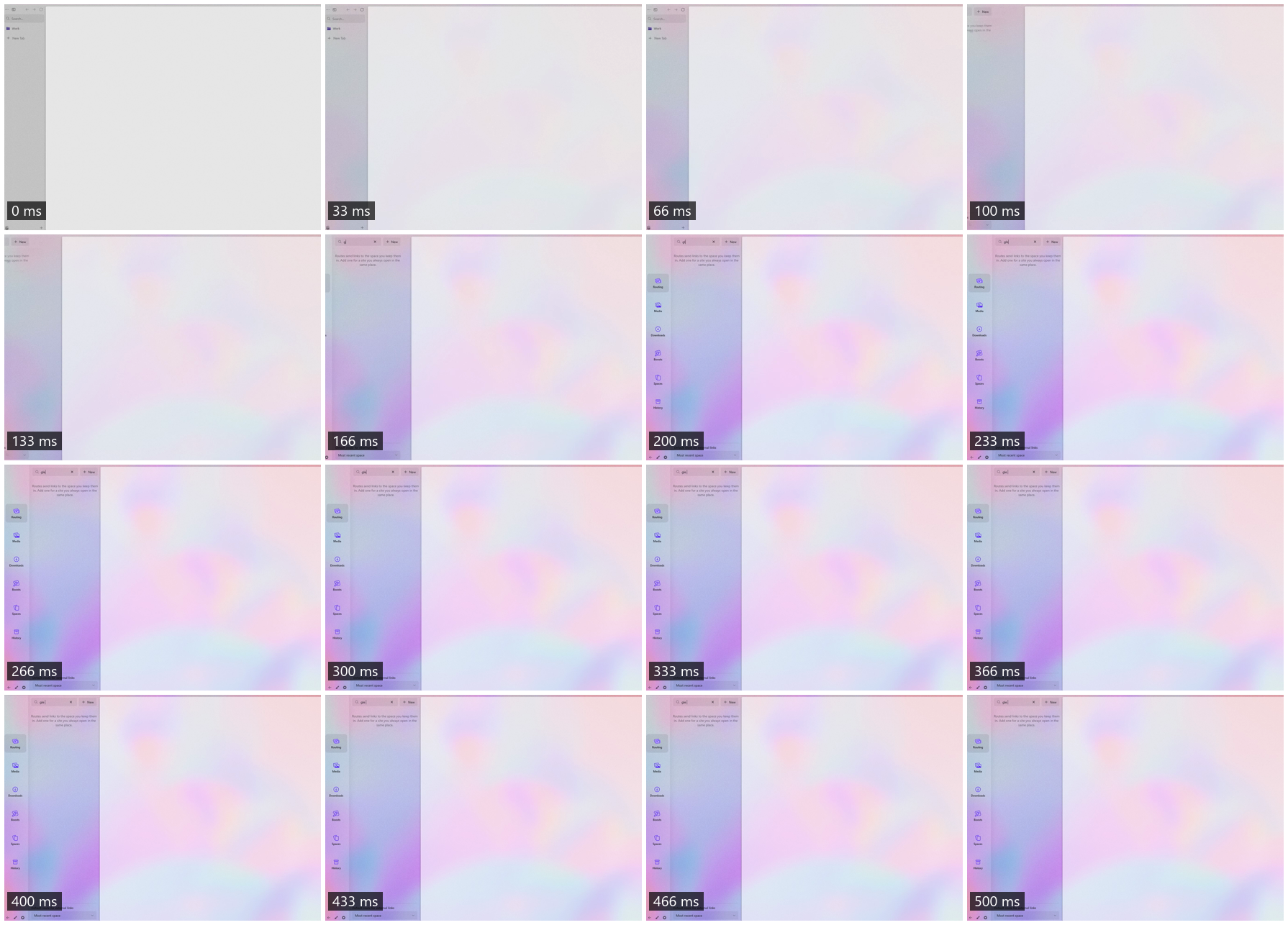
You can see the sidebar-to-library transition from 100ms to 200ms. This gave Claude really great context and a depth of understanding into how the animation should work. Here's what it built for Drift:
Precision still matters
The right words helps your agent build the right thing sooner. A Carnegie Mellon study on underspecified prompts found that when a requirement was left out, models guessed it correctly only about 41% of the time. Nevertheless, cramming every possible requirement into a prompt didn't reliably help either, because models can only follow so many instructions at once and requirements can conflict.
Models are trained on an enormous amount of text, so they've absorbed the vocabulary of nearly every field. Say "rubber banding" and it knows you mean the elastic stretch when you scroll or drag past a threshold. Say "tracer bullet" and it knows you want it to tackle the task with vertical slices that go through every layer of the system. However, the model won't use any of these until you say so.
Examples work the same way. The GPT-3 paper that kicked off the modern era of language models found that giving a model a few examples often produced much better results than describing the task alone. Showing the model a reference, whether a video, a screenshot, or another app that does it right, carries detail that will make a huge difference in the output. In my case, I had the model deeply understand the desired interaction design by looking at a reference frame-by-frame.
The point is: giving the model high fidelity examples and references leads to high quality results.
References
- Agents with Taste, Emil Kowalski
- Prompting best practices, Anthropic
- Large Language Models Understand and Can Be Enhanced by Emotional Stimuli, Li et al. (2023)
- When "A Helpful Assistant" Is Not Really Helpful: Personas in System Prompts Do Not Improve Performances of Large Language Models, Zheng et al. (EMNLP Findings 2024)
- What Prompts Don't Say: Understanding and Managing Underspecification in LLM Prompts, Yang et al. (ACL Findings 2026)
- Language Models are Few-Shot Learners, Brown et al. (NeurIPS 2020)
- The PHP2Shell Vulnerability Heralds Cybersecurity Hell, IEEE Spectrum (2026)